An AI agent does more than answer a question. When connected to approved tools, it can retrieve information, carry out a sequence of tasks and check results. That makes it useful for repetitive business work, provided there are clear limits on what it may change without approval.
What is an AI agent?
A chatbot primarily produces answers. An agent can also interact with external systems through APIs or connectors: read an inquiry, look up a customer record, prepare a response and save a draft. Some agents can browse websites or edit files. Their usefulness depends on tool permissions, reliable data and a well-designed workflow.
Five practical business uses
1. Organize incoming leads
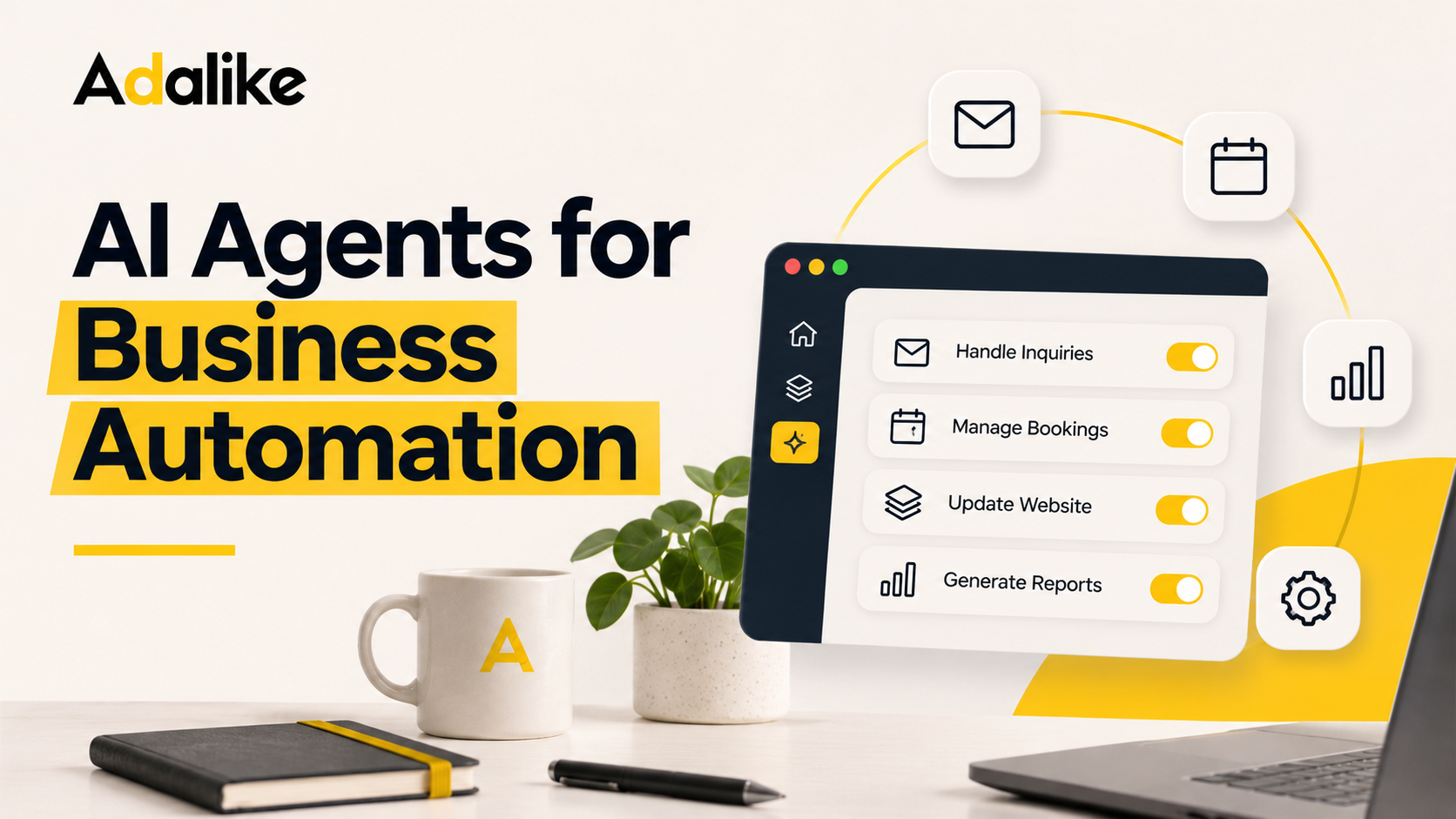
An agent can classify inquiry emails by service, extract contact details and create a record for review. It should not invent missing information or silently delete messages.
2. Prepare customer replies
Given a trusted price list and policy documents, an agent can draft responses to common questions. Human approval is important for quotations, commitments and unusual complaints.
3. Support WordPress content operations
A connected agent can prepare blog drafts, suggest internal links, check missing SEO metadata and track broken links. Publication can remain an approval step so errors do not reach visitors automatically.
4. Assist with eCommerce administration
Agents can flag inventory anomalies, summarize orders and prepare product descriptions. Price changes, refunds and customer data exports should require explicit controls.
5. Monitor routine reports
An agent can compile weekly reports from website analytics, inquiries and support records. The report should link back to underlying data so a business owner can verify the findings.
How do agents connect to tools?
Connections may use direct APIs, integrations or standards such as Model Context Protocol (MCP). MCP provides a structured way for applications to expose resources and actions to an AI assistant. A connector does not make an action safe by itself: permissions and review policies still matter.
What can go wrong?
Agents can misunderstand instructions, rely on stale data, repeat an action or follow malicious text retrieved from an external source. To manage those risks, separate read-only access from write access, restrict sensitive actions, log changes and require approval before customer-facing or financial operations.
How to start without overengineering
- Choose one repetitive workflow with measurable time cost.
- Map the data it needs and the systems it can access.
- Begin in read-only or draft mode.
- Test normal cases, missing data and adversarial instructions.
- Add approvals for irreversible and customer-facing actions.
- Measure error rates and actual time saved before expanding.
Are AI agents worth it for small businesses?
They can be, especially when a process involves repeated information retrieval and drafting. The strongest early opportunities are usually limited, supervised tasks rather than a fully autonomous business assistant.
Frequently asked questions
Do AI agents work with WordPress?
Yes, where the site exposes appropriate authenticated APIs or connectors. They can help with posts, media and administrative workflows according to granted permissions.
Do agents replace employees?
They can reduce repetitive work, but monitoring, judgment and responsibility remain important.
See how Adalike builds custom WordPress functionality for business workflows.