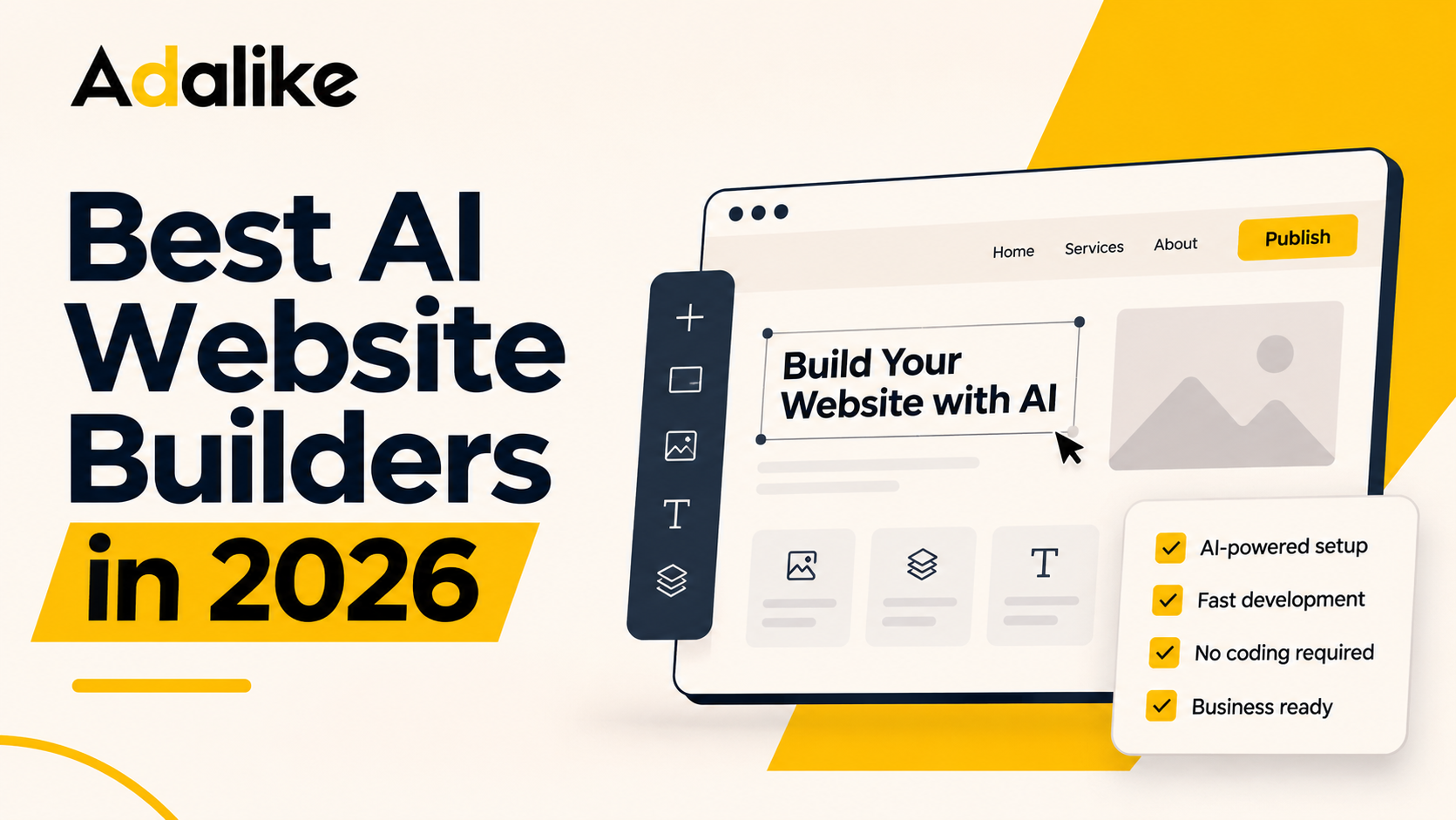
The best AI website builder depends on what you intend to launch. A brochure website, a WooCommerce store and a custom SaaS product have very different requirements. AI can speed up early development, but the choice of platform determines who owns the code, who maintains it and how easily the site can change.
Types of AI website builders
Tools fall into three broad groups: hosted website builders that generate pages inside their own platform, prompt-driven application builders that create interactive web apps, and coding agents that work with project files and frameworks. These categories overlap, but the distinction helps narrow the options.
Claude Code: best for code-first development with oversight
Claude Code is a coding agent rather than a hosted drag-and-drop site builder. Developers can use it to create websites using their chosen framework, or to work on WordPress themes and plugins. The benefit is flexibility. The tradeoff is that deployment, infrastructure and maintenance remain your responsibility.
Lovable: rapid prototypes and applications
Lovable focuses on building interactive applications from prompts. It is useful for quickly demonstrating flows and testing ideas. For production, inspect the resulting architecture, data handling, authorization rules and export options before building long-term operations around it.
Bolt: browser-based development
Bolt helps generate and iterate on web applications in a browser-oriented development workflow. It can shorten the route from idea to working prototype, but a business should still plan for dependency management, hosting, security and ongoing code review.
Replit: integrated development workflow
Replit combines development and deployment tools with AI assistance. Its integrated environment may be convenient for teams that prefer fewer moving parts. Check hosting requirements, integrations and the long-term cost of your expected traffic before choosing it.
Wix and hosted AI builders
Hosted platforms can be practical for small marketing sites when the owner wants visual editing, managed hosting and built-in publishing. The main tradeoffs are platform-specific restrictions, migration complexity and limits on custom behavior.
WordPress with AI-assisted development
WordPress remains useful for content-heavy sites, blogging, local service businesses and WooCommerce shops. AI coding agents can assist with custom functionality while editors continue to use familiar WordPress workflows. Hosting, updates, backups and plugin quality still matter.
How to decide
- Ownership: Can you export the content and code?
- SEO: Are canonical URLs, metadata, structured data and redirects accessible?
- Editing: Can a nontechnical colleague update pages safely?
- Integrations: Will forms, payments and analytics work with your tools?
- Maintenance: Who handles security patches, errors and backups?
- Cost: Calculate hosting, usage, subscriptions and developer support.
Our recommendation
Use a hosted builder for a straightforward site when its boundaries meet your needs. Use an AI app builder to validate interactive ideas quickly. Choose WordPress or a custom codebase when ownership, long-term customization and editorial operations are central to the project.
Frequently asked questions
Can AI builders rank on Google?
Potentially, yes. Search visibility depends on crawlability, content quality, site structure and performance rather than the presence of AI in the build process.
Can AI builders make online stores?
Some platforms support commerce directly or through integrations. Test taxes, payment security, inventory and order operations before accepting payments.
For custom business websites, see Adalike web design services and eCommerce development.