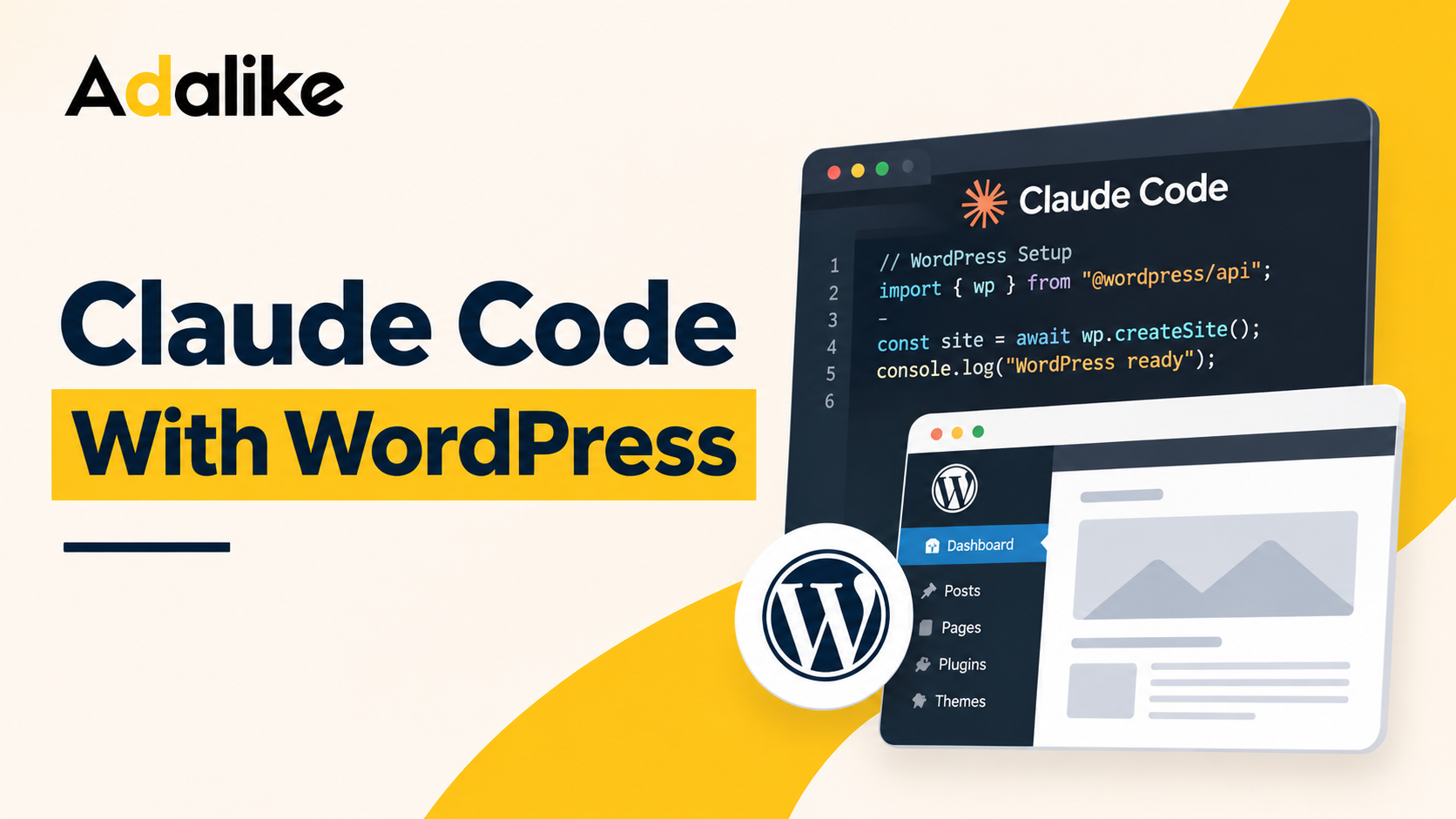
Claude Code can help build custom WordPress features without replacing WordPress itself. It is most useful when you give it access to a well-organized local project, explain the site’s conventions and review every change before deploying.
What Claude Code can do inside WordPress
It can draft custom themes, develop plugins, create shortcodes, work with REST API routes, troubleshoot PHP errors and implement front-end interactions. It can also assist with WooCommerce modifications where the rules are clearly defined. These features still need to comply with WordPress APIs, permissions and security practices.
Start with a development copy
- Back up the existing website and database.
- Clone the site to a local development environment or staging server.
- Place the custom theme or plugin under version control.
- Document the project structure and coding conventions.
- Give Claude Code a small task first, then inspect the diff.
Never start by granting broad production write access. Generated changes can be difficult to reverse when they affect content, orders or configuration.
Building a lightweight WordPress theme
Ask for conventional WordPress templates, clean enqueueing of assets, semantic markup and responsive CSS. Keep the design tokens centralized and avoid unnecessary JavaScript libraries. A good theme should use WordPress actions and filters where appropriate rather than replacing the platform’s normal behavior.
Creating a custom plugin
Plugins are appropriate for functionality that should remain when the theme changes. Examples include contact forms, dynamic data fields or a custom business workflow. Require capability checks, nonces for relevant actions, sanitization on input and escaping on output. Test database updates, emails and logged-out behavior separately.
Working with WooCommerce
A Claude-assisted plugin might implement custom pricing rules, booking fields or product display logic. Use WooCommerce hooks and APIs, not hard-coded edits to the plugin’s own files. Test variable products, coupons, taxes, carts, refunds and checkout to catch behavior that a simple product-page test would miss.
Useful instructions to give your coding assistant
Describe the WordPress version, PHP compatibility requirements, active plugins, theme architecture, expected user permissions and acceptance criteria. Ask it to list proposed file changes before editing and to report what has actually been tested. A short, specific requirement is more reliable than a vague command to rebuild a website.
Before deploying
Review for fatal PHP errors and coding standards, test on mobile, run accessibility checks, confirm caching behavior and check database migrations. Deploy with a rollback path. Keep credentials in environment configuration, not source files or prompts.
Frequently asked questions
Does Claude Code replace WordPress developers?
No. It can reduce repetitive coding, but architecture, requirements, data handling and final quality assurance still need responsible ownership.
Can I use it on an Elementor website?
It can help build custom extensions around Elementor, but modifying complex page-builder data requires careful knowledge of the builder’s storage and rendering behavior.
Can it make a plugin from scratch?
Yes, with a clear specification and testing plan. Start with an isolated feature rather than a large monolithic plugin.
Explore WordPress maintenance and custom development by Adalike.